AIS Canteen by Good Eats
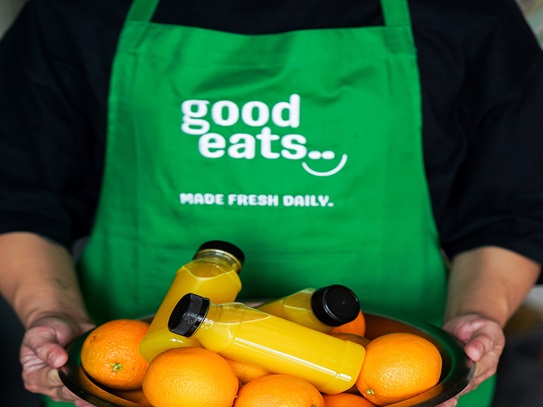
At AIS Sharjah, we understand that food plays an essential role in every student's daily routine. That's why, in collaboration with our canteen partner, Good Eats, we go the extra mile to ensure students look forward to their break times and truly enjoy their meals.
Our school canteen offers flexible payment options for on-site purchases, including both cash and card. For added convenience, we also provide an easy-to-use online pre-ordering platform that helps students skip the queues and plan their meals in advance.
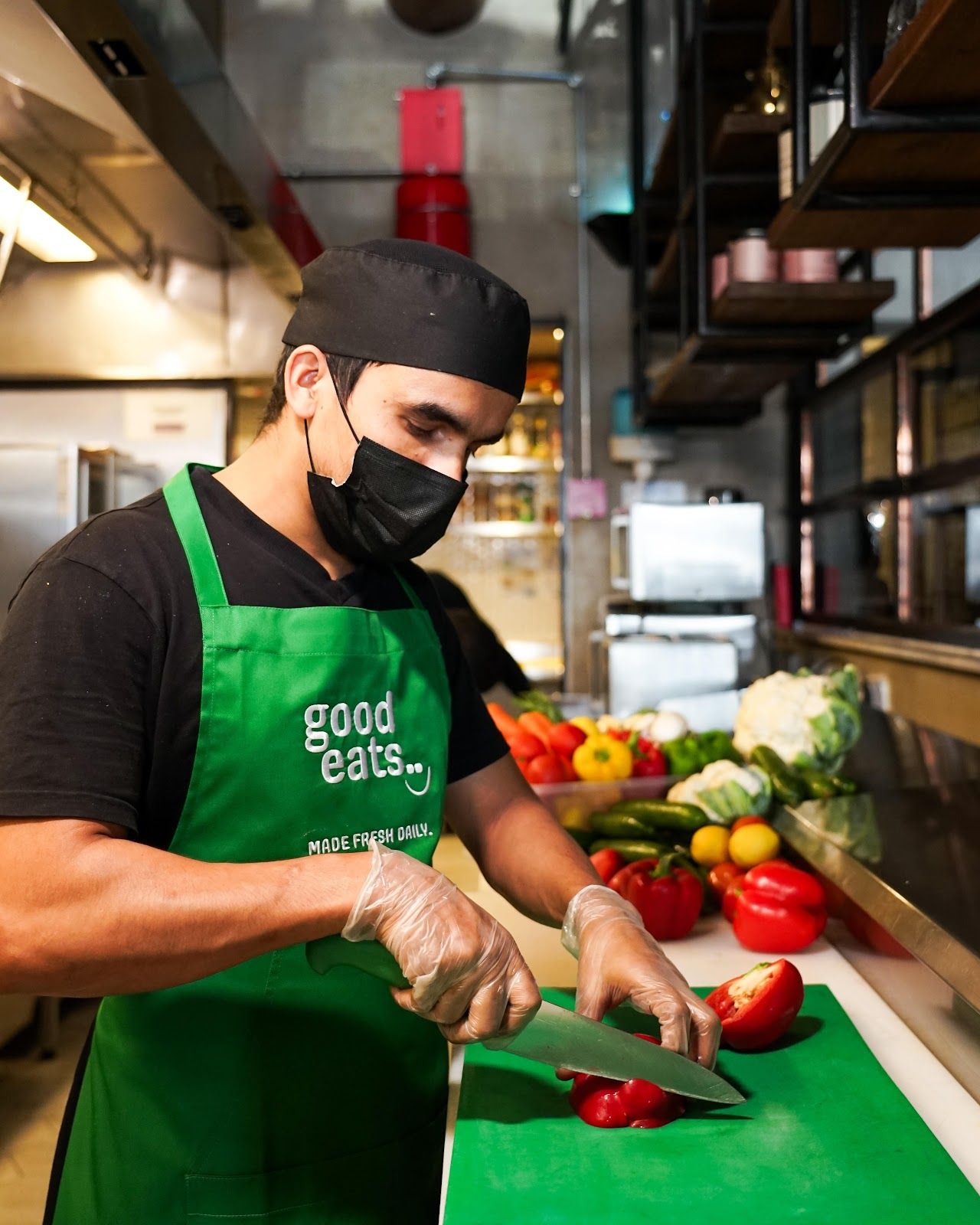
With a daily rotating menu, students can enjoy a wide variety of hot meals, wholesome snacks, homemade beverages, and sweet treats. All meals are prepared by the Good Eats team of professional chefs who strictly follow HACCP protocols and comply with all local Food Control Authority regulations to ensure safety and quality.
How to Pre-Orde Meals
Parents can conveniently pre-order meals for their children through our online lunch system. Simply follow these steps:
- Step #1: Visit https://goodeats.ahotlunch.com/
- Step #2: Click on the Parent Sign Up link and enter your details along with the campus code: AISS.
- Step #3: Verify your email address and sign in to the portal.
- Step #4: On the homepage, click "Children" and add your child(ren) - the campus code will be AISS.
- Step #5: Click on "Order" to view the monthly menu and place your pre-orders.
Important Notes:
- Please make sure to enter a valid email address to successfully activate your account.
- When adding your child(ren), be sure to include their full name and correct grade. The pre-orders cut-off time is 8 pm the previous day.
- For any assistance, feel free to reach out to us via WhatsApp at 050 164 6522 or email us at admin@goodeats.ae. The Good Eats team is committed to responding within 24 hours.